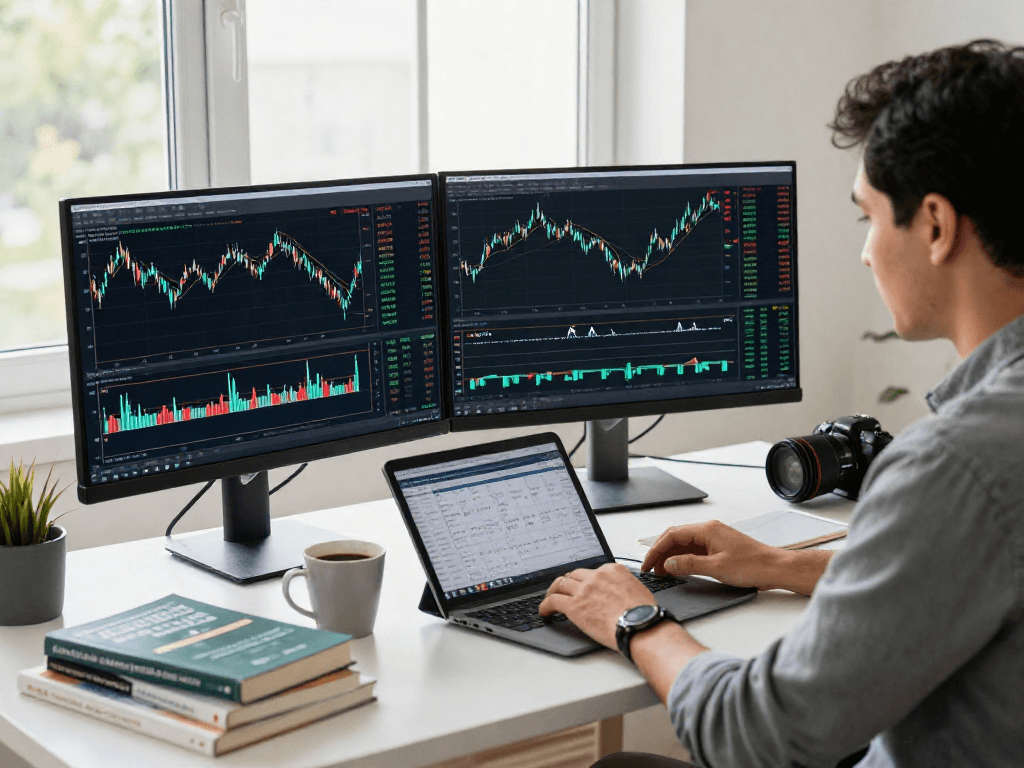
Understanding MetaTrader 5: A Comprehensive Overview
In the dynamic world of financial trading, having the right platform can significantly impact a trader's success. MetaTrader 5 (MT5) has emerged as a preferred choice among traders due to its extensive functionality and robust features. As a successor to MetaTrader 4, MT5 offers advanced tools that cater to a wide range of trading activities, including forex, stocks, commodities, and futures. This article delves into what makes MT5 stand out and why traders are gravitating towards it in 2026.
What is MetaTrader 5?
MetaTrader 5 is a powerful trading platform developed by MetaQuotes Software that allows traders to access diverse financial markets and utilize algorithmic trading. It is designed to support both manual and automated trading through a user-friendly interface and advanced analytical tools. MT5 is equipped with features that facilitate multi-asset trading, allowing users to analyze different assets from a single platform efficiently.
Key Features of MetaTrader 5
- Multi-Asset Support: MT5 allows trading across various instruments such as forex, stocks, futures, and CFDs.
- Advanced Charting: Offers powerful charting tools with multiple timeframes and a variety of indicators.
- Expert Advisors (EAs): Supports automated trading using custom scripts and pre-built algorithms.
- Market Depth: Displays market depth data, enhancing traders' understanding of price levels and liquidity.
- Economic Calendar: Provides updates on economic events impacting the markets.
Benefits of Multi-Asset Trading
One of the most compelling features of MT5 is its support for multi-asset trading, which means traders can access a wide variety of financial instruments from one platform. This versatility allows traders to diversify their portfolios, manage risk more effectively, and capitalize on various market conditions.
Getting Started with MetaTrader 5
Installation Process and System Requirements
Installing MetaTrader 5 is straightforward. The platform is available for multiple operating systems, including Windows, macOS, iOS, and Android. To begin, users need to ensure their system meets the following requirements:
- Windows 7 or higher (for desktop versions)
- macOS 10.11 or higher
- Android version 4.0 or higher for mobile devices
- Internet connection with a minimum speed for trading
Platform Walkthrough: First Steps on MT5
Upon installation, traders will be greeted by an intuitive interface that offers a seamless trading experience. The main dashboard presents an overview of account balances, open positions, and trading history. Users can customize their workspace by adding charts, market watch windows, and news feeds to suit their trading style.
Configuring Your Trading Environment
Configuring your trading environment in MT5 is essential for maximizing efficiency. Traders can set up different workspaces for various strategies, including manual and automated trading setups. Customizable chart settings, trading indicators, and templates allow users to create a personalized trading atmosphere that enhances decision-making.
Exploring Advanced Features
Utilizing Built-In Analysis Tools
MT5 is laden with built-in analytical tools that empower traders to conduct thorough market analysis. Traders can utilize indicators, graphical tools, and extensive chart types to identify trends, support and resistance levels, and market sentiment. The ability to switch between different timeframes from minutes to months ensures traders can analyze both short-term and long-term price movements effectively.
Automated Trading with Expert Advisors
Automated trading is one of the standout features of MT5, thanks to its robust Expert Advisor (EA) capabilities. Traders can develop or import EAs to automate their trading strategies based on predetermined criteria. Backtesting tools allow users to evaluate the performance of their EAs using historical data, ensuring they are optimized for current market conditions.
Using Market Depth for Strategic Decision Making
The Market Depth feature in MT5 provides traders with insights into the liquidity available at different price levels. This tool is particularly useful for making informed trading decisions, as it reveals where buyers and sellers are entering or exiting the market. By analyzing market depth, traders can identify potential price movements and adjust their strategies accordingly.
Comparison: MetaTrader 5 vs MetaTrader 4
Major Differences and Advantages
While both MetaTrader 4 (MT4) and MetaTrader 5 are popular trading platforms, they cater to different types of traders. MT5 supports more trading instruments, includes advanced analytical tools, and allows for greater customization of trading strategies. Furthermore, MT5's improved order execution and market depth capabilities make it a more sophisticated option for serious traders.
Choosing the Right Platform for Your Trading Style
Deciding between MT5 and MT4 ultimately depends on a trader's individual needs and trading style. Those focused on forex trading might find MT4 sufficient, but for traders looking to delve into stocks or futures, MT5 is the clear winner. Additionally, the enhanced features in MT5 cater to traders who favor automated and algorithmic strategies.
Case Studies: Success Stories of MT5 Users
Many traders have found success through the capabilities of MT5. For instance, a forex trader who utilized EAs to automate their trades reported a 25% increase in their annual returns after switching to MT5. These success stories underscore the effectiveness of using an advanced trading platform that adapts to modern market demands.
Best Practices for Effective Trading on MetaTrader 5
Strategies for Managing Risk and Maximizing Gains
Effective trading on MT5 requires a solid risk management strategy. Traders should determine their risk tolerance and set stop-loss and take-profit levels based on their trading objectives. Additionally, diversifying the portfolio across different asset classes can mitigate risks associated with volatile markets.
Leveraging Economic News and Market Events
Staying informed about economic indicators and market events is crucial for trading success. MT5’s integrated economic calendar helps traders anticipate market reactions to news events, allowing them to adjust their strategies in advance. Understanding market sentiment around significant announcements—like interest rate changes—should be part of every trader’s strategy.
Continuous Learning: Resources and Communities
Traders using MT5 can benefit significantly from engaging with online trading communities. Participating in forums, webinars, and mentorship programs can provide valuable insights and tips from experienced traders. Continuous education is key to adapting to changing market conditions and improving overall trading performance.
What Are Common Misconceptions About MT5?
Despite its growing popularity, several misconceptions about MT5 persist. One common belief is that it is only for experienced traders due to its advanced features—this is not true, as beginners can also effectively use it with proper guidance. Additionally, some traders assume that automated trading guarantees profits, while successful trading still relies on strategic planning and risk management.
How Does Hedging Work in MetaTrader 5?
Hedging in MT5 allows traders to open multiple positions on the same asset, effectively managing risk by balancing potential losses with gains from opposite trades. This flexibility is particularly beneficial in volatile markets where price fluctuations can lead to significant losses.
Can I Use MetaTrader 5 on Mobile Devices?
Yes, MetaTrader 5 is available on mobile devices, allowing traders to access their accounts and trade on the go. The mobile version includes many of the same features as the desktop platform, making it easy to manage trades and stay updated on market conditions, regardless of location.
What are Trade Execution Types on MT5?
MT5 supports various execution types, including instant execution, market execution, and pending orders. Each type serves different trading strategies, offering traders the flexibility to choose how they enter and exit positions in the market.
Is VPS Hosting Necessary for Automated Trading?
While not strictly necessary, using a Virtual Private Server (VPS) for automated trading on MT5 can enhance performance. A VPS ensures that trading algorithms run continuously without interruptions, allowing for optimal execution of trades even during power outages or internet disruptions.